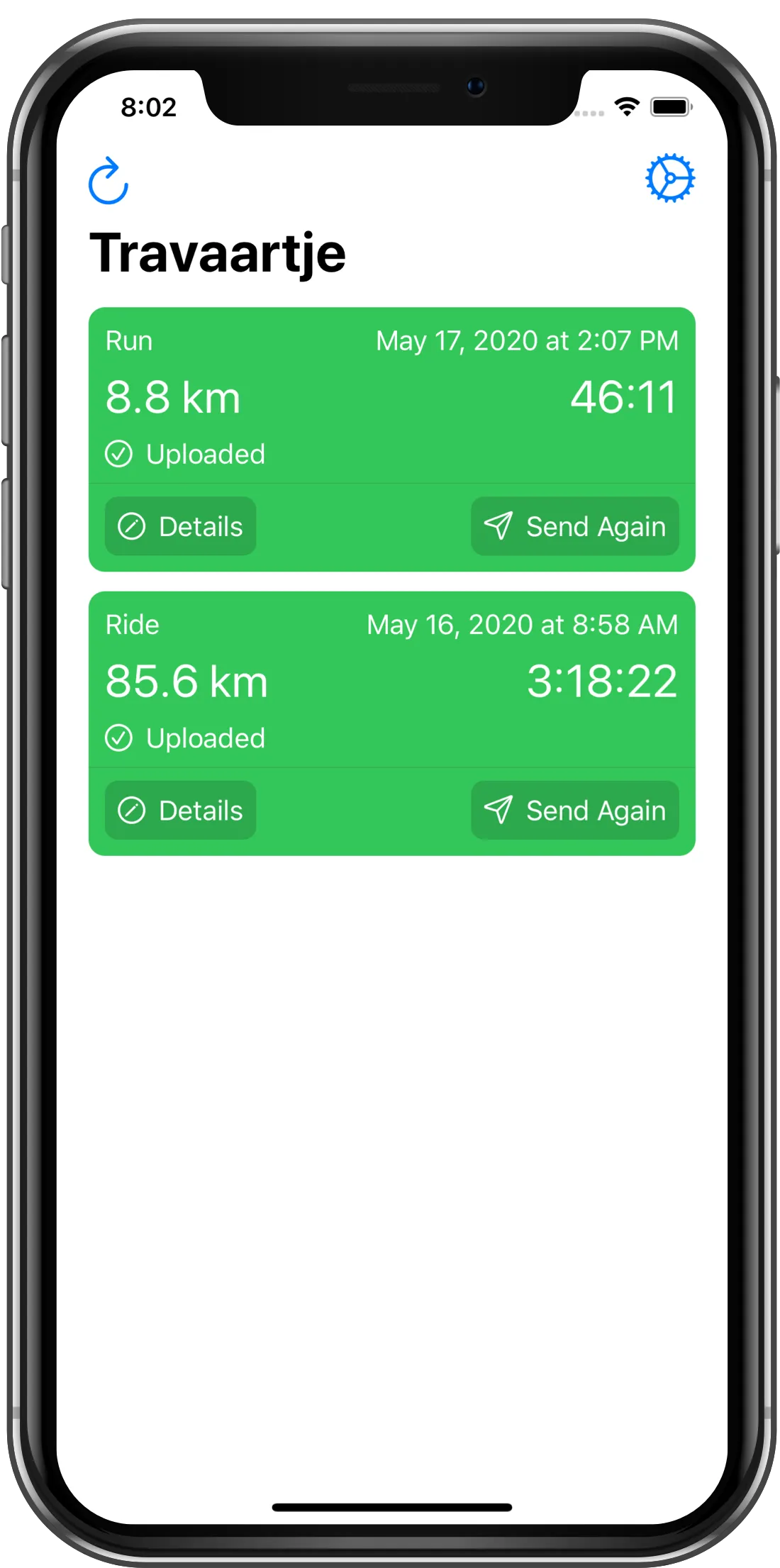
Step 1
Open Travaartje where you will see your 10 most recent recorded workouts.
The easiest way to upload your workouts to Strava.

Strava is the major community where athletes from all over the world share their workouts with other athletes. It provides a great app for iPhone, but if you are recording your workouts with your Apple Watch then perhaps like me, you prefer to use Apple's own Workout app on the watch.
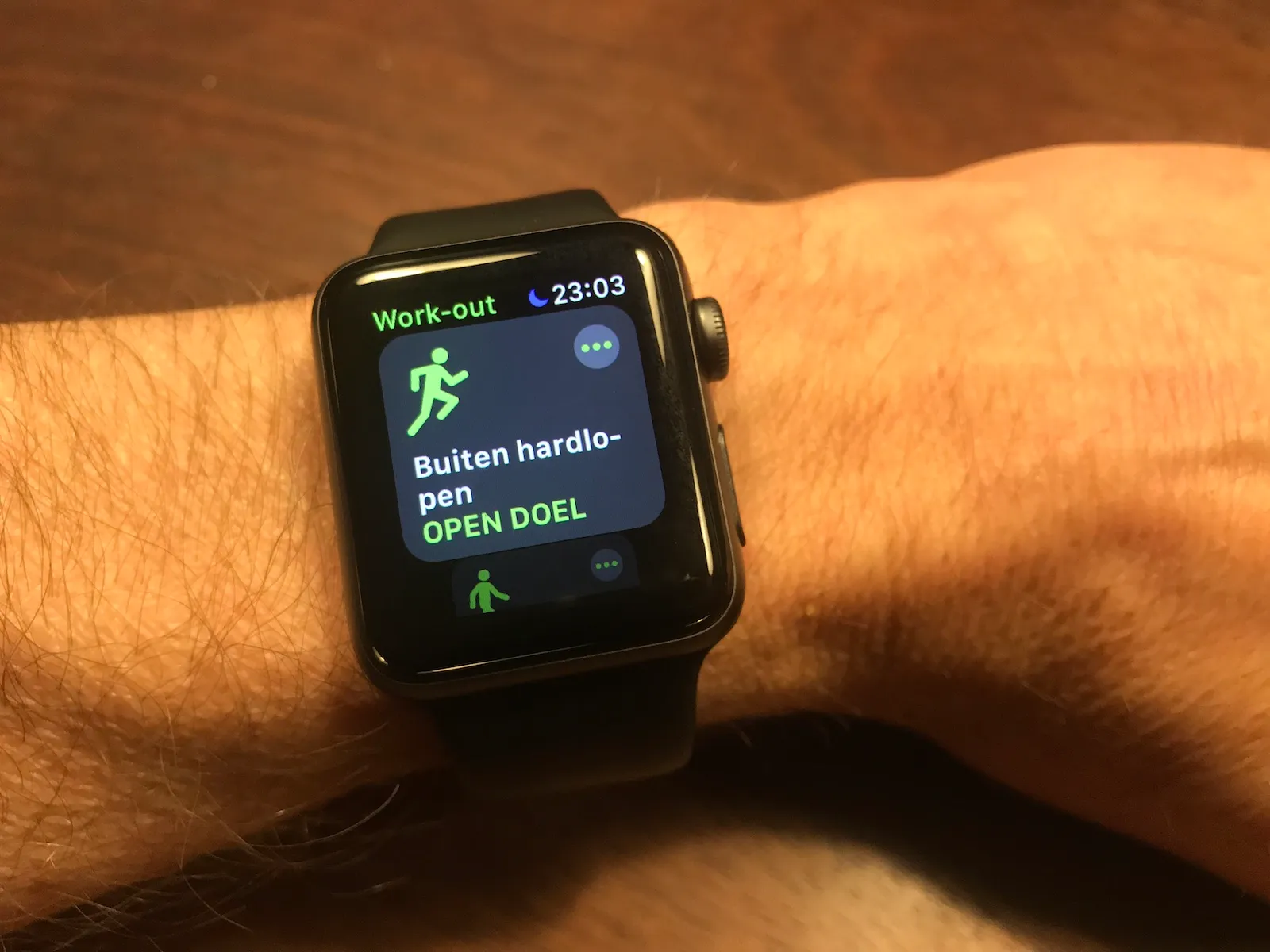
For those of you who do, Travaartje provides the simplest and fastest way to upload those workouts to Strava. After a guided initial setup process, uploading becomes a 2-step process.
Step 0
Go out and ride, swim or run.
Step 1
Open Travaartje where you will see your 10 most recent recorded workouts.
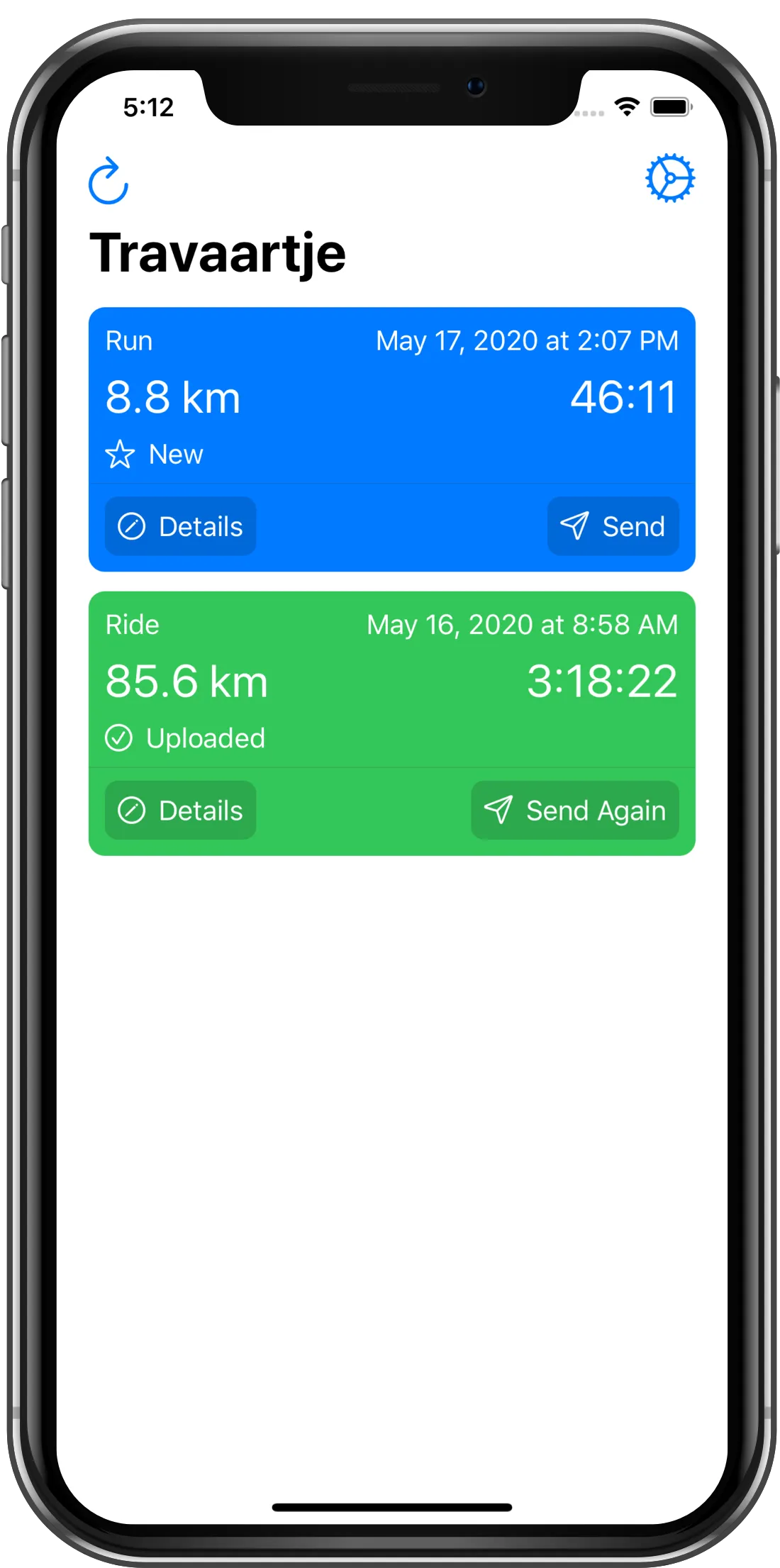
Step 2
Tap on the send button and wait a couple of seconds until the upload is completed.
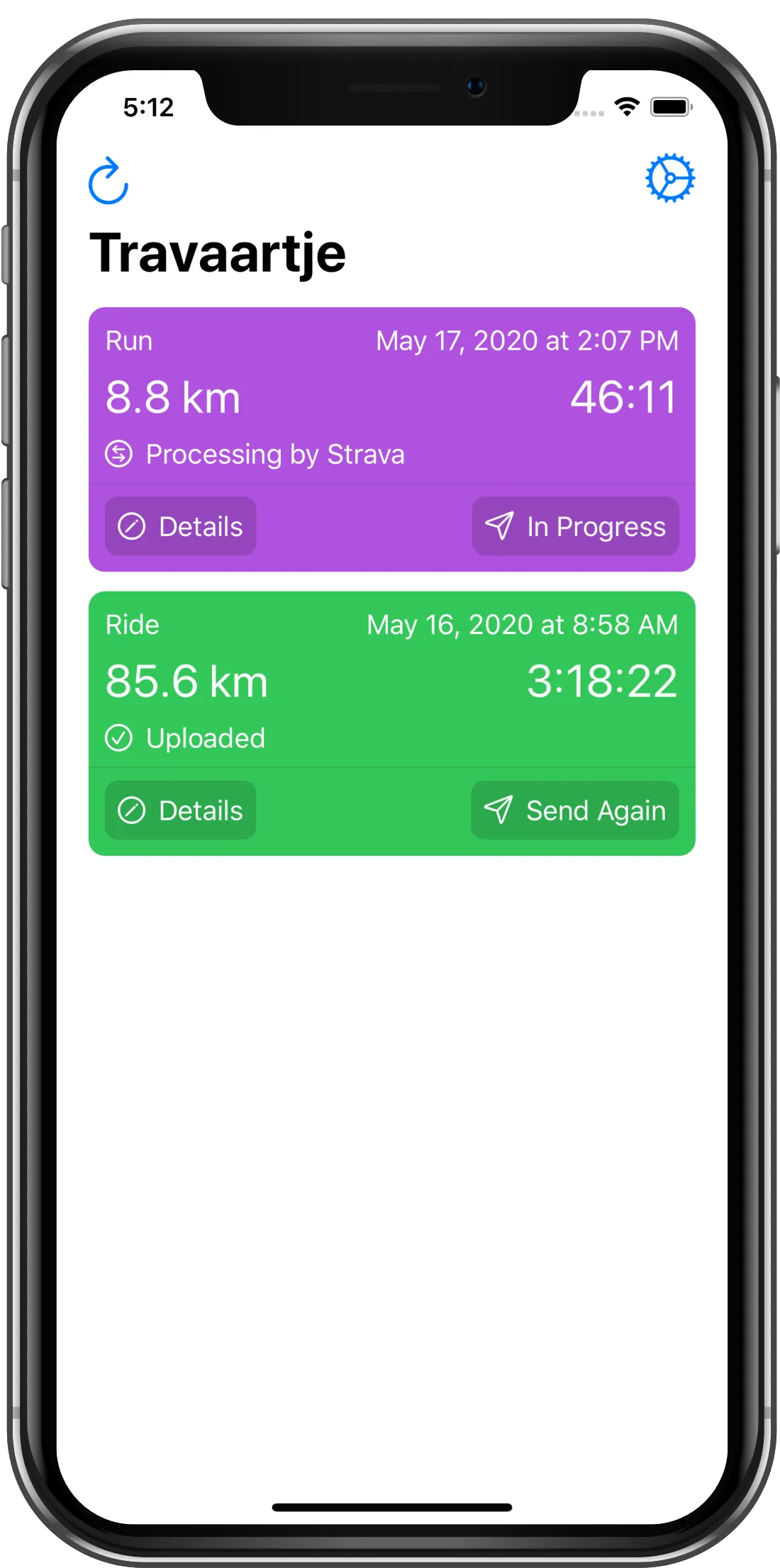
Done
You will see a notification that the upload is completed. Tap on the workout to jump directly to the workout in the Strava app on your iPhone and view the details.